How do I open an incognito or private window in my browser?
This article explains how to open a private browser window within Google or Firefox. Other web browsers offer a similar function and can be accessed in a similar way.
You might need to open a private window to check whether any plug-ins on your computer are limiting your access to ExpensePlus.
Open a new incognito window in Google Chrome
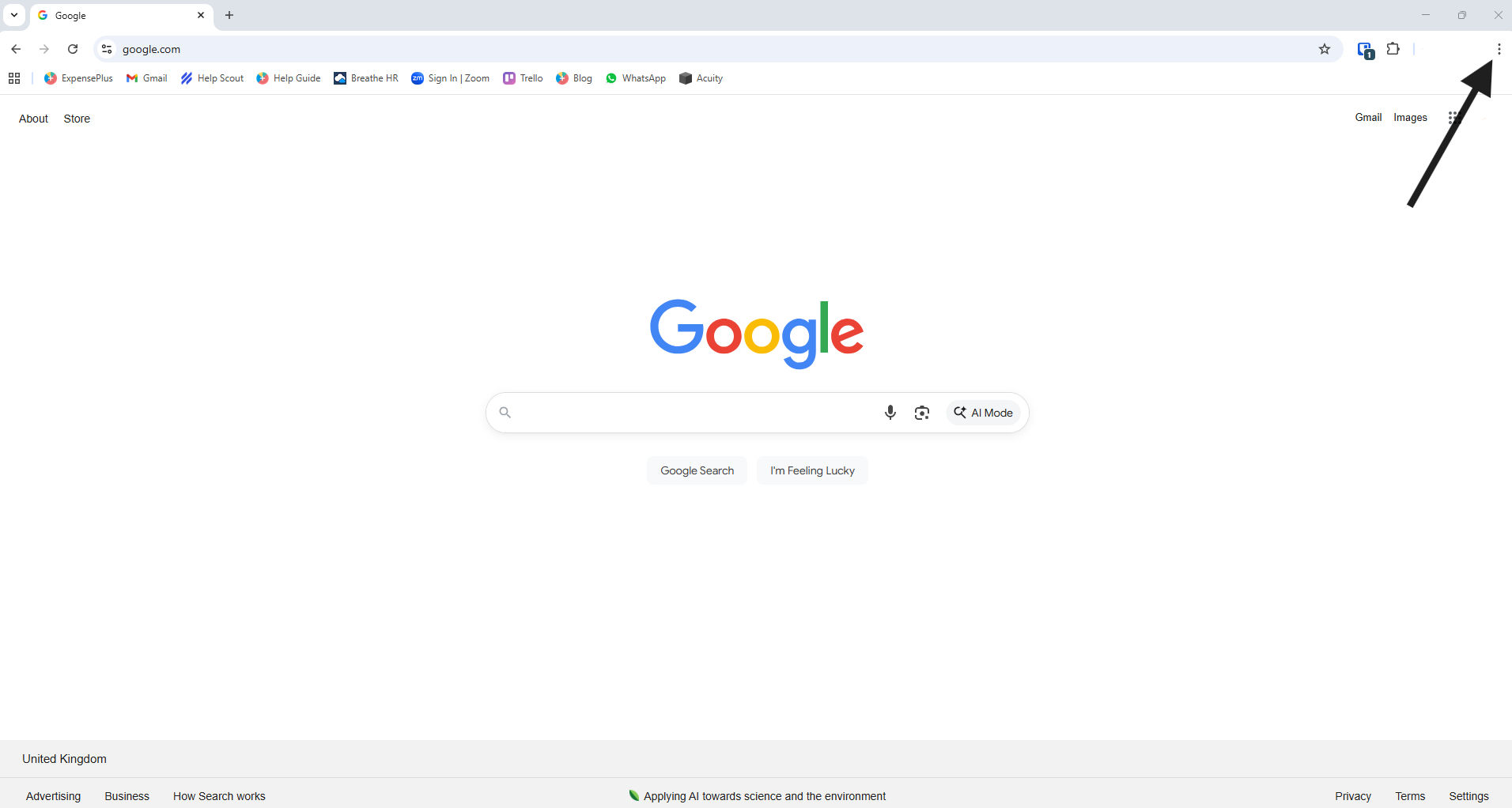
To open an incognito window in Google Chrome, open Google Chrome and click on the 3 dots in the top right hand corner.
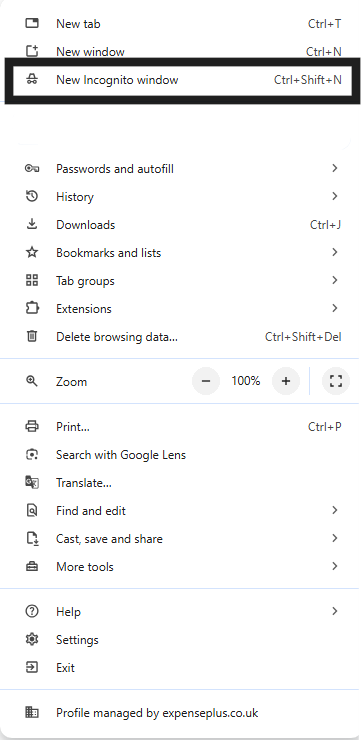
In the list of options that appears, select 'New Incognito Window' and an incognito window will open.
Open a new private window in Firefox
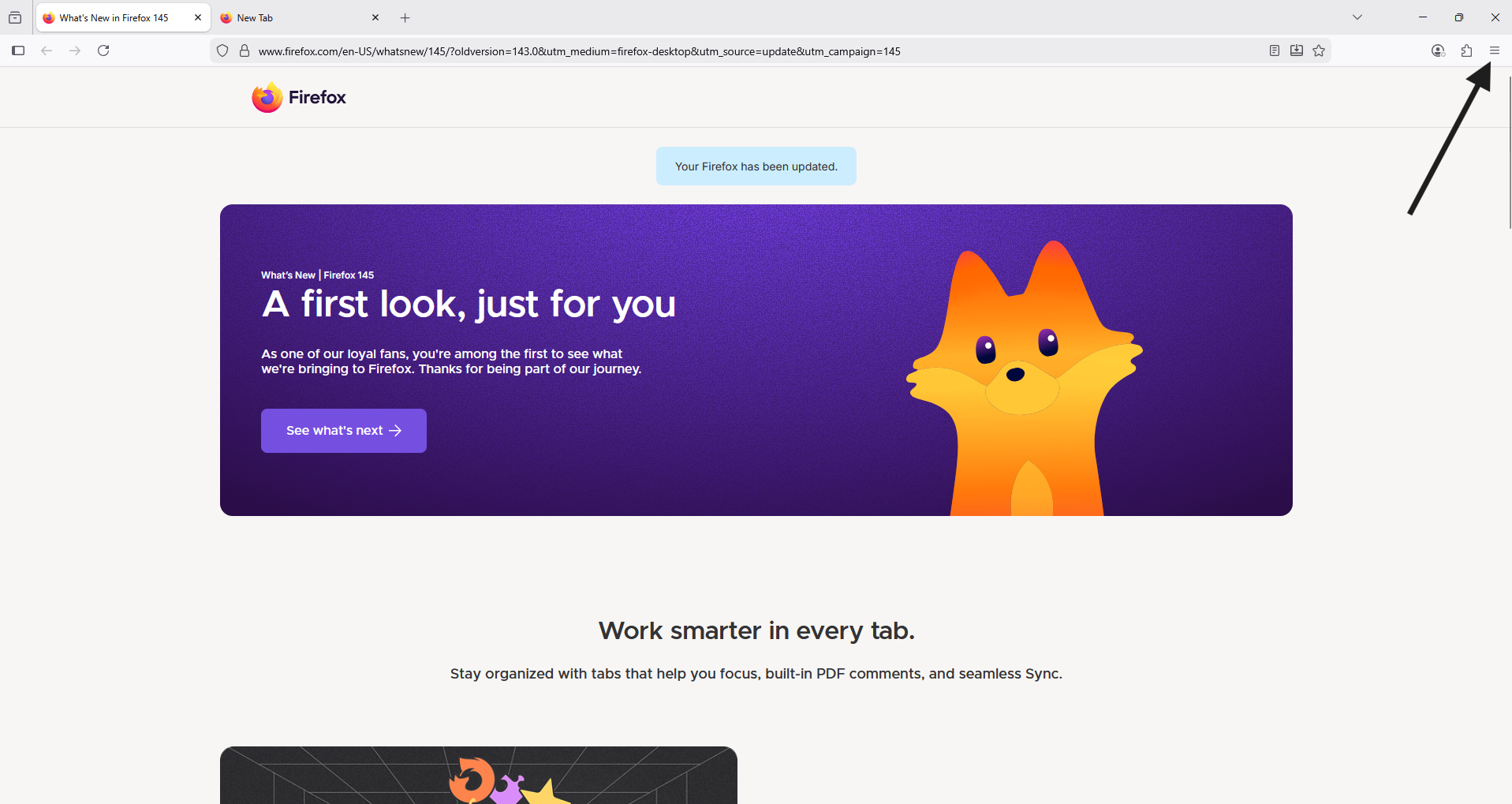
To open an private window in Firefox, open Firefox and click on the 3 lines in the top right hand corner.
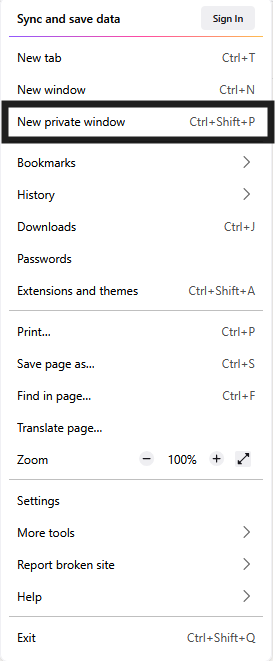
In the list of options that appears, select 'New Private Window' and a private window will open.