Colour themes
This article demonstrates the two different colour theme options in ExpensePlus, and explains how to select and change them. The colour themes are customisable per user.
Colour themes available in ExpensePlus
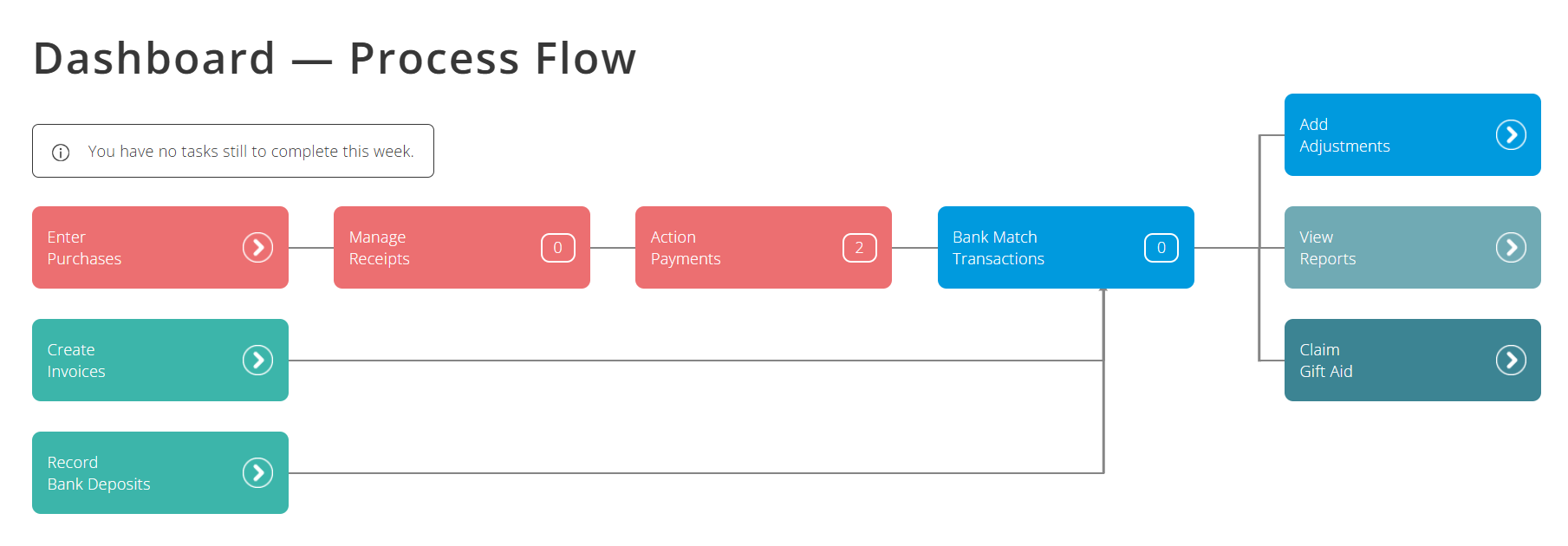
ExpensePlus has two different colour themes available. The default is to have white backgrounds turned off, and to have the different screens and reports with colourful backgrounds and icons.
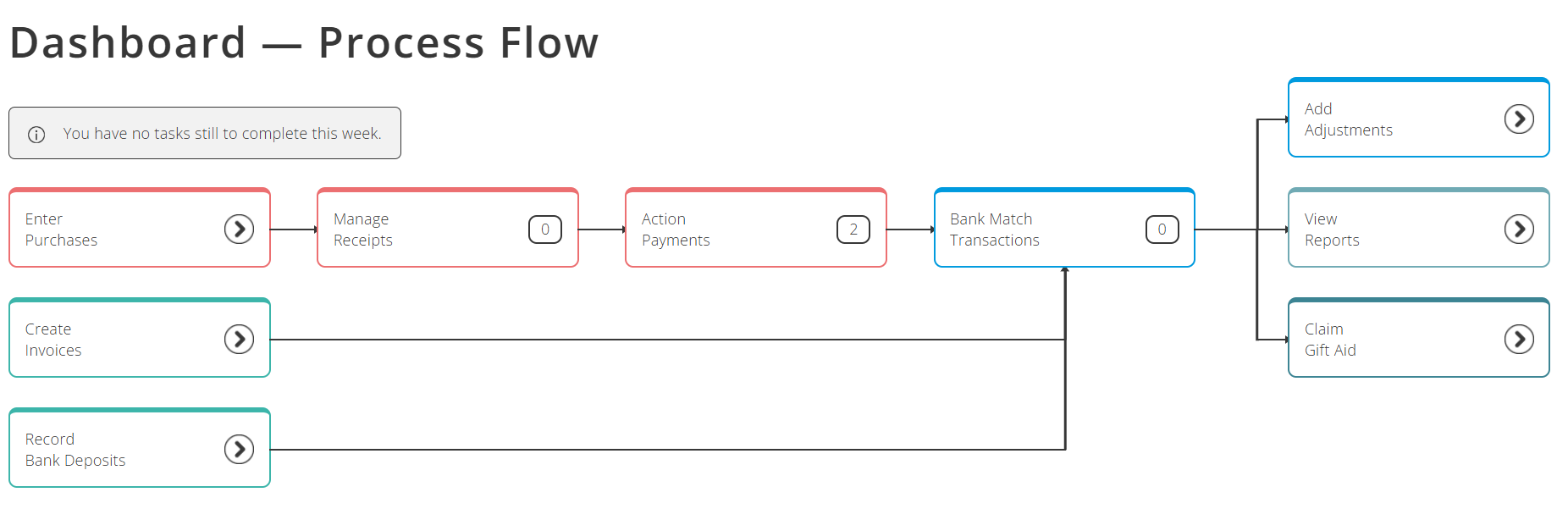
If you change the default, to have white backgrounds turned on, the different screens and reports will have white backgrounds. This provides a greater contrast between the text colour and the background, which some users prefer when viewing ExpensePlus.
How to change colour theme in ExpensePlus
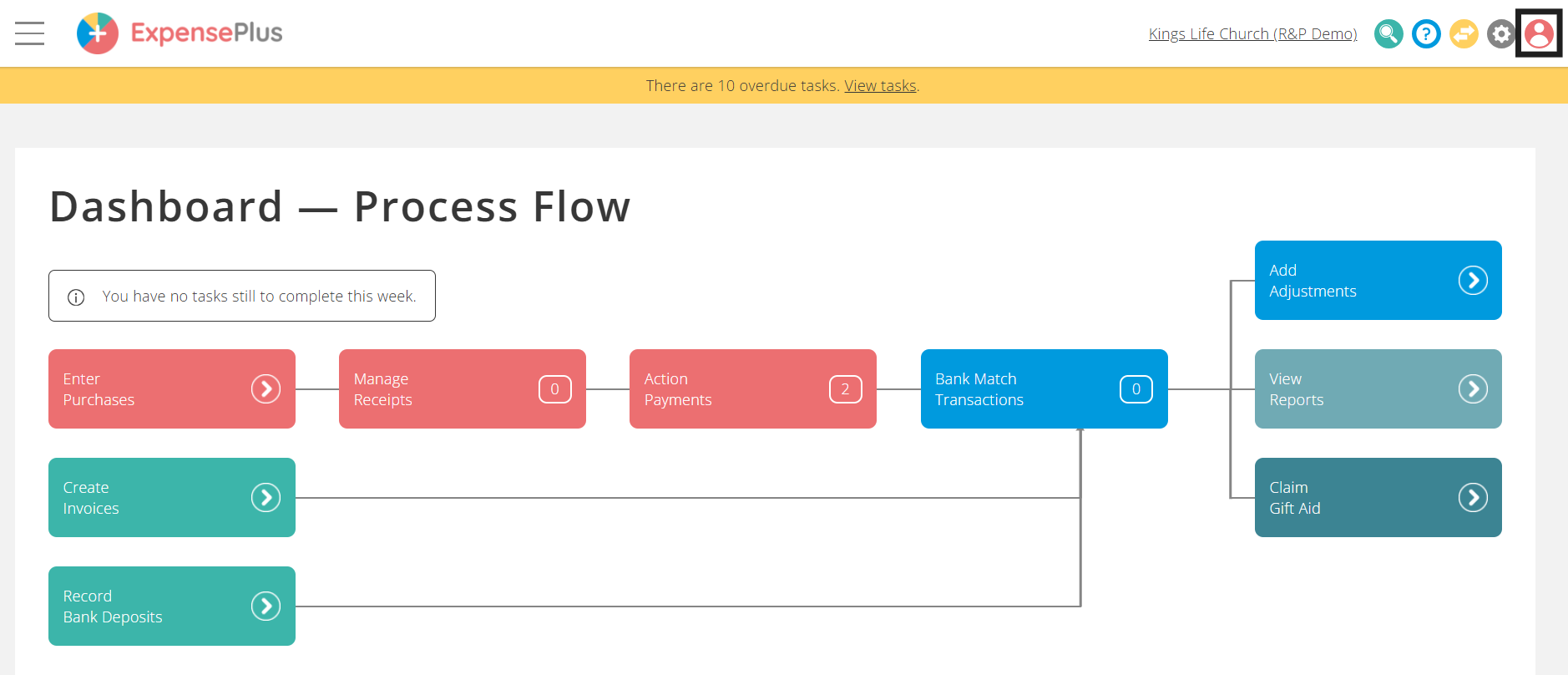
To change colour theme in ExpensePlus, select the profile icon in the top right of the screen:
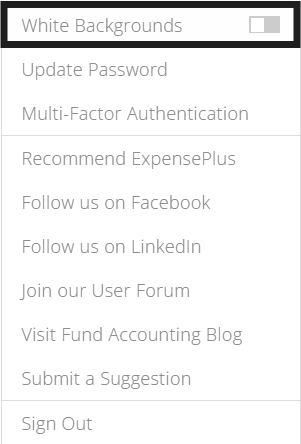
In the drop-down menu that appears, you will be able to toggle white backgrounds on or off: