
My donation categories aren't correctly mapped to ChurchSuite
This article explains how to ensure your donation categories are correctly mapped to ChurchSuite.
In this article:
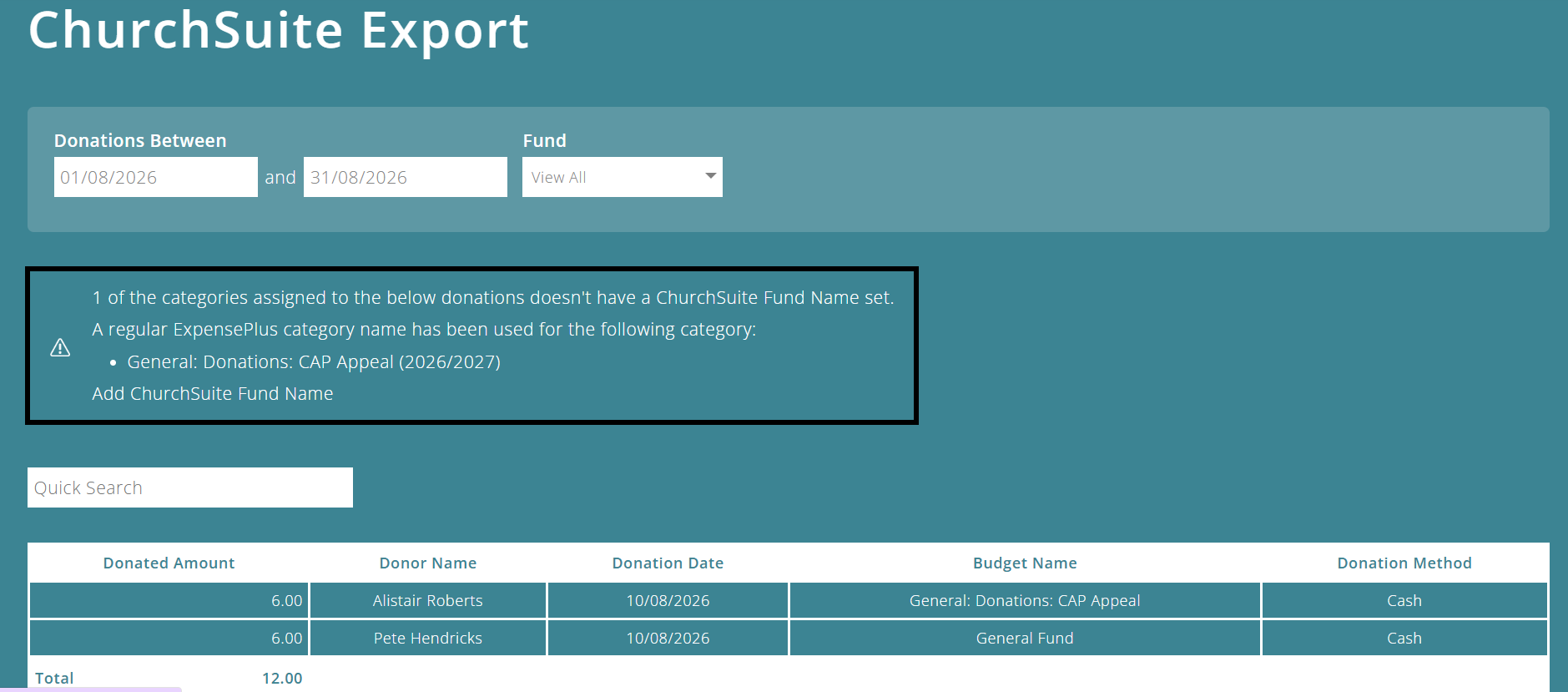
Warning in ChurchSuite Export module
When using the ChurchSuite Export module and exporting donations from ExpensePlus to ChurchSuite, you will get a warning when a donation category isn't mapped to a ChurchSuite fund name.
ChurchSuite fund names are needed so that ExpensePlus knows which fund (inside ChurchSuite) to map your various donations to in the export file.
ChurchSuite mapping in category settings screen
To update this mapping, click on the 'Add ChurchSuite Fund Name' link within the warning.
This will take you to the Income and Expenditure Categories settings screen, where you can map your ExpensePlus categories to the correct funds in ChurchSuite.

ChurchSuite fund names are different to funds in ExpensePlus. They are not related to each other. You should check the names of your existing ChurchSuite funds when adding these to the Export module.
To better understand the ChurchSuite Export module, please view the module overview video here.