
Which users have permission to use Petty Cash?
This article explains which users have access to your Petty Cash accounts.
You can either give access to all Petty Cash accounts for all users with a given user role; or you can give individual users access to specific Petty Cash accounts.
User Role
Within User Settings > Manage User roles, you can give access to all Petty Cash accounts for all users with that user role. You can either give 'view only' permission or standard permission.

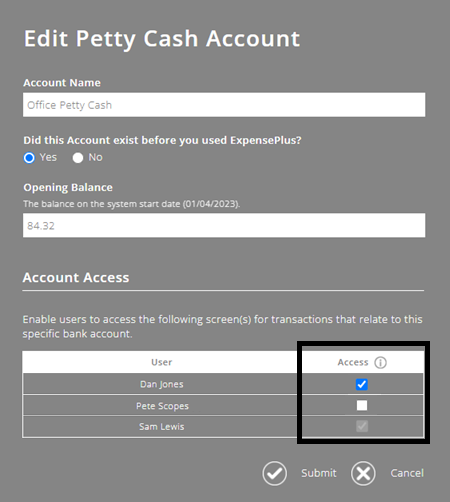
Bank & Cash Account Settings screen
Alternatively, you can give access to a specific Petty Cash account within the Bank & Cash Account Settings screen.
To help you better understand the Petty Cash module as a whole, please visit the module overview page here.