
How do I know if a donor has a valid Gift Aid declaration?
This article outlines where to see whether a donor has a Gift Aid declaration and how to view the details of a donor's Gift Aid declaration.
In this article:
Gift Aid declaration details
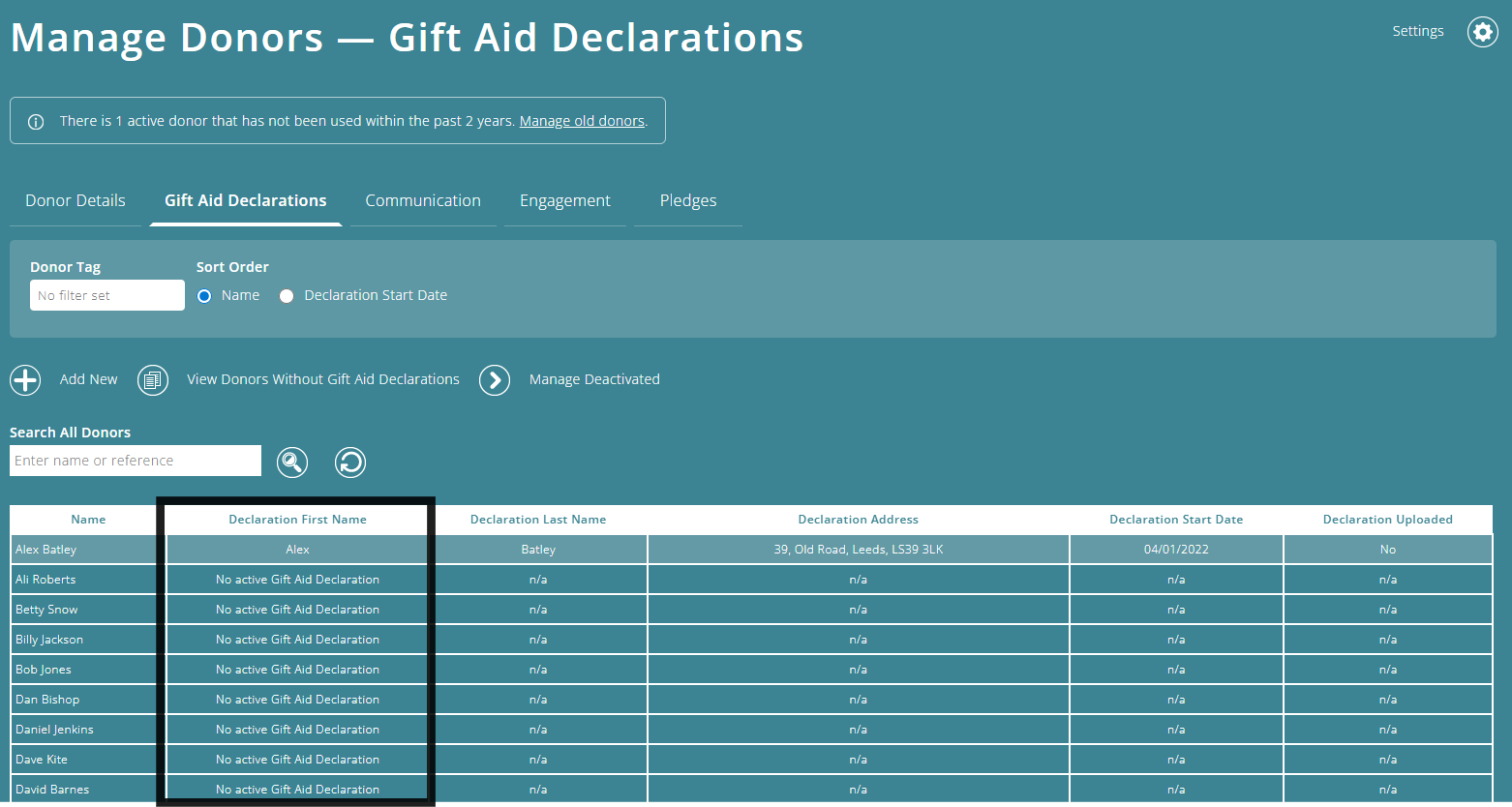
You can check the status of a donor's Gift Aid declaration in the Manage Donors - Gift Aid Declarations screen.
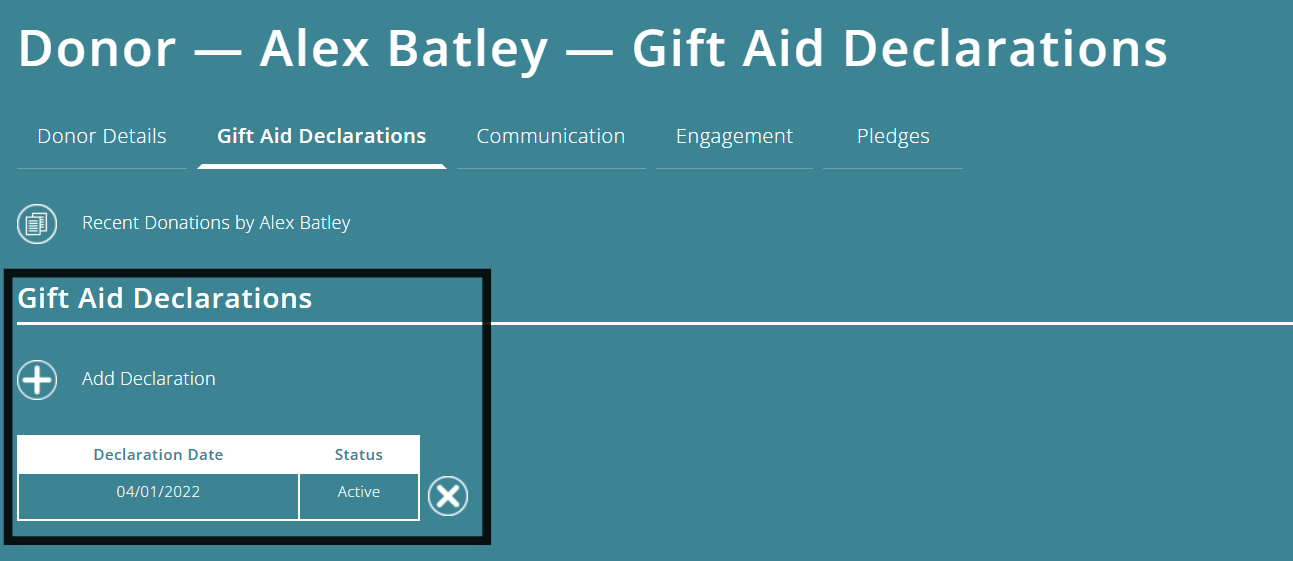
You can see the details of their declaration on the main table on this page as well as in the individual donor screens.
Donors without Gift Aid declarations
The Donors Without Gift Aid Declarations report shows you which donors do not have a valid Gift Aid declaration.
You can use this report to see where you might be missing out on Gift Aid, and sort by name or by the highest amount of unclaimed Gift Aid.
You can mark which donors are not eligible for Gift Aid, and set review reminders.
To better understand the Gift Aid module, please view the module overview video here.